
It’s easy to assume the highest-resolution camera is the best camera. More megapixels, sharper footage, problem solved — right? Not quite. Resolution is one of the most oversold numbers in security, and buying more than your scene needs costs you twice: once on the camera, and again every month in storage. The smarter goal is matching resolution to what each camera actually has to capture. Here’s how 1080p, 4K, and 8K really compare, from the perspective of a New York integrator who specs these every week.
What Camera Resolution Actually Means
Resolution is simply how many pixels make up the image, usually described in megapixels (MP). More pixels mean more detail packed into the frame, which is why a higher-resolution camera lets you zoom into recorded footage and still make out a face or a plate. The common tiers line up like this:
- 1080p: roughly 2MP.
- 4K: about 8MP.
- 8K: around 33MP.
But raw pixel count is only half the story — where those pixels land matters more than how many there are, which is why the right resolution depends entirely on the scene.
1080p (2MP): Where It’s Enough
1080p has been the workhorse of business security for years, and for good reason. On a contained scene — a small office, a single doorway a few feet away, a register, a hallway — 2MP delivers clear, usable footage without straining storage.
If a camera covers a tight area where the subject is close to the lens, 1080p often captures everything you need. It’s only when a scene gets wide, or you need to identify someone at a distance, that 1080p starts to run out of detail.
Best for: contained, close-range scenes — small offices, single doorways, registers, hallways.
4K (8MP): The Detail Sweet Spot
For most commercial cameras today, 4K is the sweet spot. Four times the pixels of 1080p means you can cover a larger area with one camera and still pull a recognizable face or license plate from the recording — exactly what you want at entrances, sales floors, parking lots, and loading areas.
A single 4K camera can often do the work of two 1080p cameras on a wide scene, which can simplify a layout. For the cameras that matter most on a property, 4K is usually the right call.
Best for: the cameras that matter most — entrances, sales floors, parking lots, anywhere you need faces or plates.
8K and Beyond: When It’s Overkill
8K and ultra-high-megapixel cameras exist, and they have their place — covering a vast open area like a large lot, stadium, or warehouse floor from a single mounting point, where you genuinely need to zoom into a huge scene.
For the typical business, though, 8K is overkill: the cost is high, and the storage and bandwidth demands are steep. Unless you’re covering an unusually large space with a specific reason to capture that much detail, 4K serves better — more resolution than the scene requires is money spent on pixels you’ll never use.
Best for: unusually large open areas covered from one point — large lots, stadiums, big warehouse floors.
The Hidden Cost: Storage and Bandwidth
This is the trade-off the spec sheet doesn’t advertise, and it’s the main reason “max resolution everywhere” is a mistake.
How resolution drives recording storage
Every step up in resolution multiplies the data each camera records around the clock. A 4K camera generates substantially more footage than a 1080p one, and 8K more still — so higher resolution means a bigger recorder, more drives, and a higher cost to keep the same number of days on file.
Multiply that across a dozen cameras and the storage bill, not the camera price, often becomes the deciding factor. Sizing storage to your resolution and how long you need to retain footage is part of the design, not an afterthought.
Frame rate and compression (H.265)
Two levers soften the storage hit. Frame rate matters — most security scenes don’t need a high frame rate, and dialing it to a sensible level cuts data use considerably. Compression matters even more: modern H.265 encoding roughly halves the file size of the older H.264 standard at similar quality, which makes higher-resolution cameras far more practical to store. Cameras and recorders that support H.265 stretch the same storage much further.
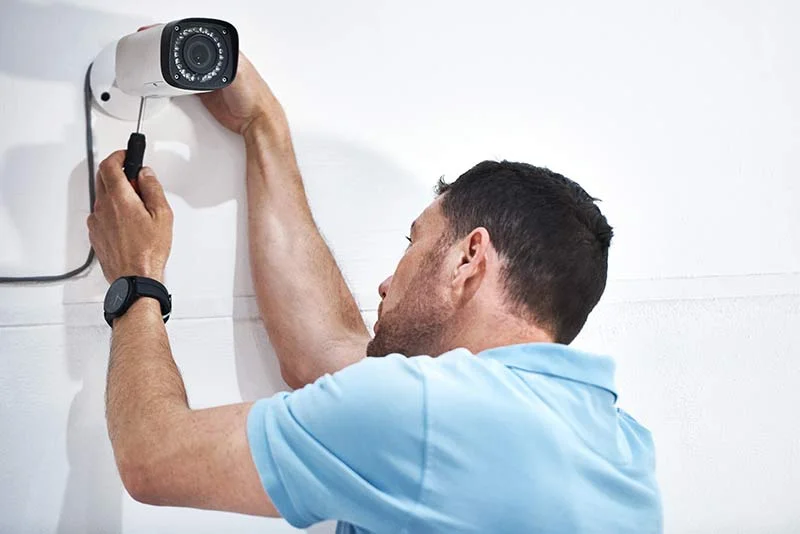
Matching Resolution to the Scene
The practical approach is to assign resolution scene by scene rather than buying one tier for the whole building:
- Identify (4K): a doorway where you need to recognize everyone entering, or a parking lot where you read plates across distance.
- Overview (1080p): a back hallway, a stockroom, or a small office that just needs general coverage.
Treating every camera as either “identify” or “overview” — and resolving each accordingly — gets you the detail where it counts without paying to over-record the spots where it doesn’t.
Resolution Isn’t the Whole Picture
One caveat keeps resolution honest: megapixels alone don’t guarantee a usable image. Other factors carry just as much weight:
- Sensor quality and size: a higher-resolution camera with a small, weak sensor can produce noisier, worse night footage than a well-chosen 1080p camera with a larger sensor.
- Lens quality: a sharp image depends on the optics in front of the sensor as much as the pixel count behind it.
- The storage trade-off: a sensible camera you can record at full frame rate and keep for your full retention often beats an ultra-high-resolution one you have to compromise elsewhere to store.
This is why a cheap 4K camera isn’t automatically better than a quality 1080p one, especially after dark. When you compare cameras, weigh low-light performance and build quality alongside the megapixel number, not instead of it.
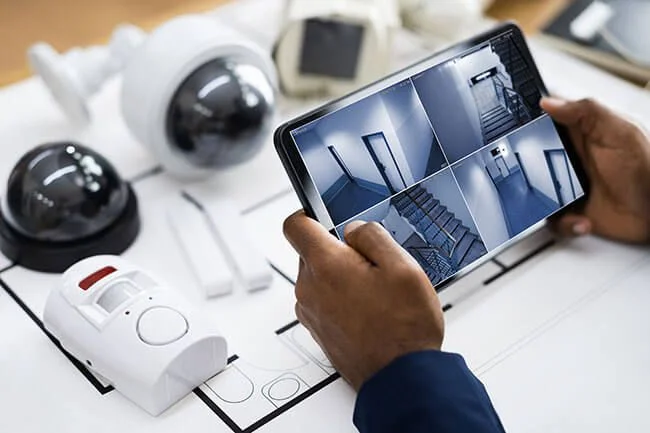
How 4Wires Specs the Right Resolution
The best resolution isn’t the highest one — it’s the right one for each camera’s job, balanced against what it costs to store. 4Wires Communications designs camera systems across the New York metro, and we spec resolution scene by scene: 4K where detail and distance matter, 1080p where it’s plenty, H.265 to keep storage in check, and a recorder sized for the days you actually need to keep. The result is sharp footage where it counts and no money wasted on pixels you’d never look at.
Not sure what resolution your property needs? Learn more about our security camera installation services, or reach out for a free on-site assessment.