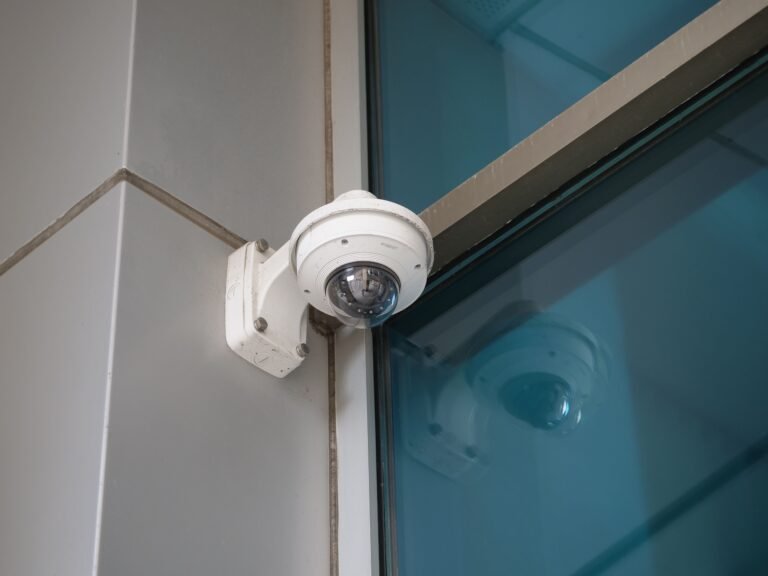

Shop for a commercial camera system and you’ll hit the same fork every business owner hits: go IP, or go analog. Strip away the jargon and it’s one real difference. With analog, the camera is a simple eye — it ships raw video down a coax cable to a recorder that does all the thinking. With IP, the camera is a small computer that does the thinking itself and sends finished digital video across your network. Everything people argue about afterward — picture quality, wiring, how big the system can grow, what it costs, even whether it can be hacked — flows out of that one distinction.
Here’s how the two actually compare on a commercial property, from the chair of a licensed New York integrator who installs both.
What Analog Cameras Are (and HD-over-Coax)
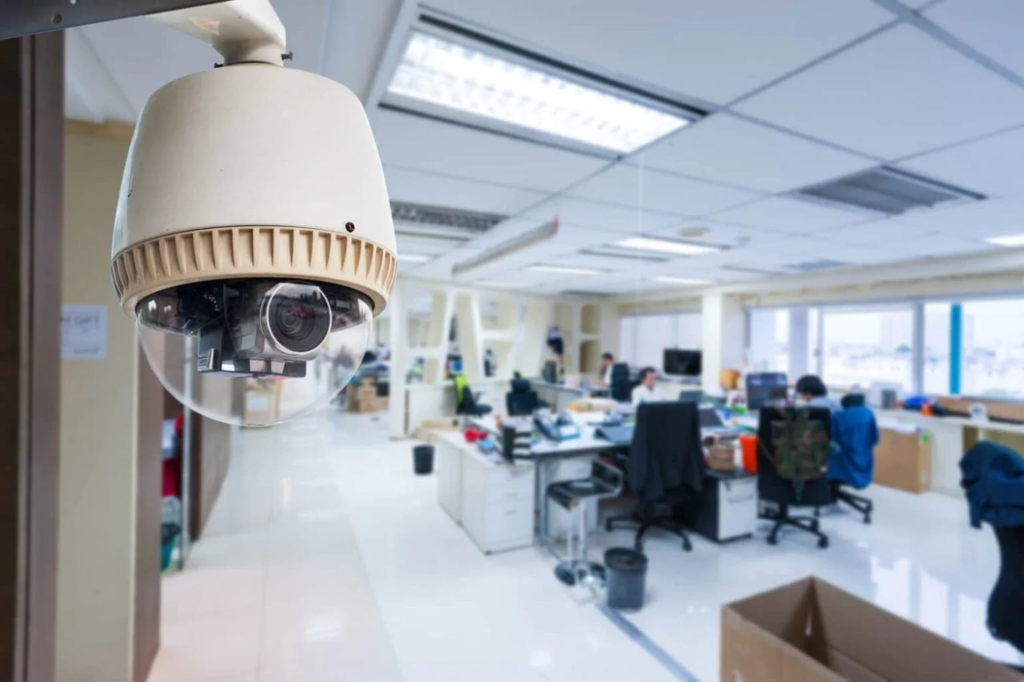
Analog is the older approach, and for years it earned its grainy reputation. The camera grabs an image, pushes it as an analog signal down coaxial cable, and a DVR (digital video recorder) at the other end converts and stores it. The camera does nothing clever; the recorder does the work.
What changed is the resolution. Modern analog rides on HD-over-coax formats — HD-TVI, HD-CVI, and AHD — that send genuinely sharp video down that same humble coax. Plan on 1080p (2MP) for most HD-over-coax cameras and up to 4K (8MP) on the better ones. The wrinkle is power: coax only carries video, so every analog camera also needs power nearby — two cables, or a Siamese cable that bundles both. The upside shows in older buildings. If there’s already coax in the walls, HD-over-coax puts a crisp HD picture on screen without anyone opening them back up.
Analog at a Glance — Strengths
- Reuses existing coaxial cabling — ideal for older NYC buildings and brownstones.
- Lower hardware cost per camera.
- Sharp HD on HD-over-coax: 1080p (2MP), up to 4K (8MP).
- Not on the network — essentially no remote attack surface.
- Simple, proven, and reliable for straightforward coverage.
Analog — Limitations
- Needs a separate power source per camera (two cables or a Siamese cable).
- Lower resolution ceiling than IP at the top end.
- Basic analytics only — typically motion detection.
- Channel count capped by the DVR.
- Less flexible to scale as needs grow.
What IP Cameras Are
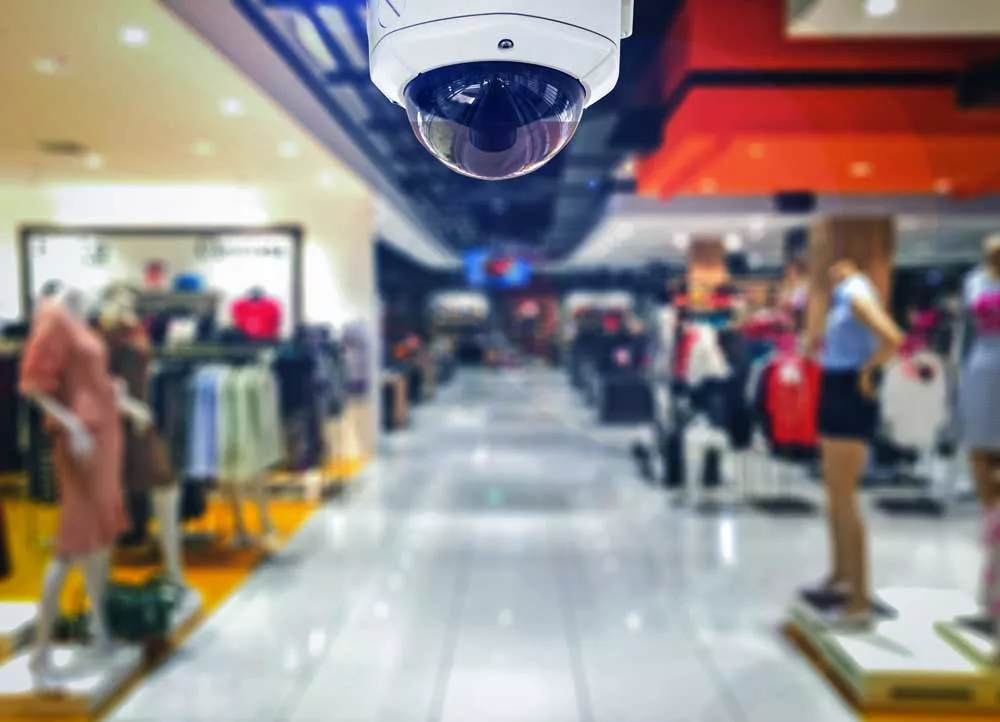
An IP camera flips the model. Instead of a simple eye, it’s a small networked computer: it captures, encodes, and analyzes video right at the lens, then sends the finished digital stream over your network to an NVR (network video recorder) or to the cloud. Because the brains live in the camera, IP reaches further on resolution — 4K (8MP) is the everyday baseline now, with multi-sensor and higher-megapixel models above it — and it brings on-camera analytics that analog can’t match.
The wiring is cleaner, too. IP cameras run on ordinary network cable (Cat5e or Cat6), and with Power over Ethernet (PoE), that one cable carries both the data and the power — no separate outlet at the camera. The professional IP lines we install — Axis, Hanwha, Bosch, Hikvision, and Dahua — are all built this way.
IP at a Glance — Strengths
- Higher resolution: 4K (8MP) baseline, with multi-sensor and higher-megapixel options.
- Single PoE cable carries power and data — cleaner installs, roughly half the runs.
- On-camera analytics: line crossing, object detection, license plate, people counting.
- Scales easily — add a camera to the network and the switch.
- Native remote and cloud access; efficient H.265 compression.
IP — Limitations
- Higher cost per camera.
- A network device — needs firmware updates, strong passwords, and VLAN segmentation.
- Generates more data — more storage and bandwidth, especially at 4K and above.
- Depends on a properly designed network to perform.
Head-to-Head Comparison
Pick the priorities that matter to your property, then read across:
| Factor | Analog (HD-over-coax) | IP (network) |
|---|---|---|
| Resolution | Typically 1080p (2MP); up to 4K (8MP) on newer gear | 4K (8MP) common; multi-sensor and higher-megapixel options |
| Cabling | Coax + a separate power source per camera; often reuses existing runs | One Cat5e/Cat6 per camera carrying power + data (PoE); ~half the cable runs |
| Analytics | Basic motion detection | On-camera AI: line crossing, object detection, license plate, people counting |
| Scalability | Capped by the DVR’s channel count | Add cameras to the network as your needs grow |
| Cybersecurity | Off the network — minimal remote attack surface | Network device — needs firmware updates, strong passwords, VLAN segmentation |
| Remote access | Through the DVR | Native and flexible, including cloud-ready options |
| Best fit | Retrofits on existing coax, tighter budgets, basic coverage | New installs, high detail, analytics, multi-site, room to grow |
Image quality and resolution
On detail, IP wins, and at the top end it isn’t close. HD-over-coax tops out somewhere between 1080p and 4K; IP starts at 4K and keeps climbing, including single housings with several sensors that blanket a wide scene.
In plain terms, an IP camera is what lets you recognize the face at the door or pull a plate off a car across the lot — and still have detail left when you zoom into the recording a week later. HD-over-coax looks good; IP simply has more ceiling.
Edge: IP — clearly, for any scene where you need to identify people or read plates at a distance.
Cabling and installation
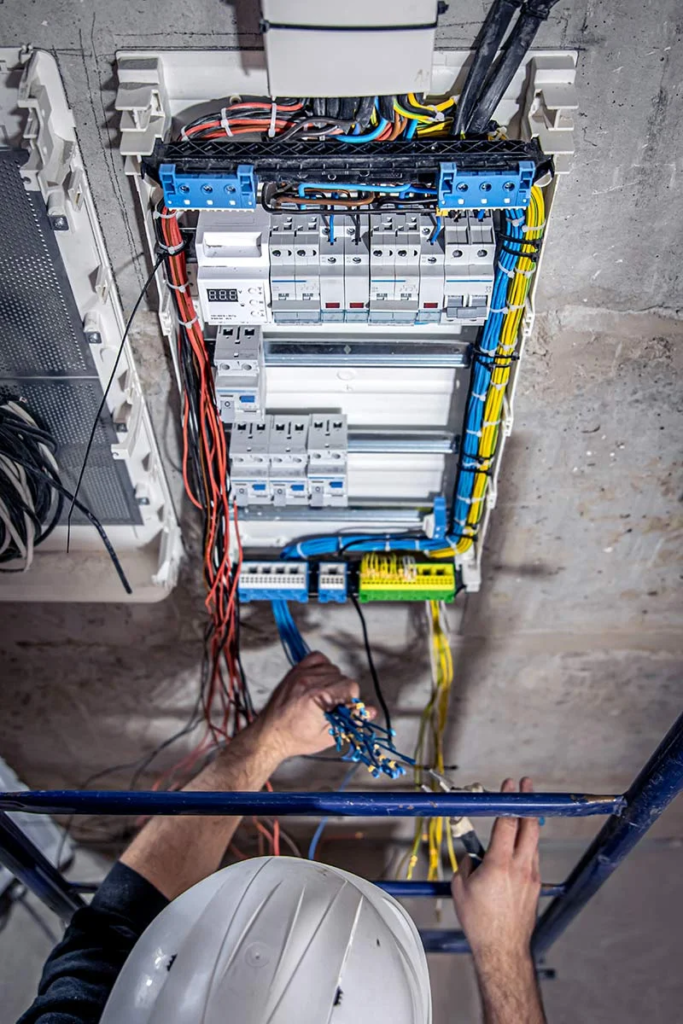
This is the difference nobody prints on the box, and it’s often the one that decides the project. An analog camera needs video and power; a PoE camera gets both from one network cable at the switch.
On a 16-camera job that gap is real — analog can mean dragging power to all sixteen spots on top of the coax, while the PoE version is sixteen single runs back to a switch: less cable, less labor, fewer things to fish through a finished ceiling. The exception is the building that already has coax — in a Brooklyn brownstone with existing runs, reusing them for HD-over-coax is usually the quickest, least invasive route.
Edge: depends on the building — PoE IP for new cabling, analog where usable coax is already in the walls.
Scalability and analytics
Growth is where IP earns its keep. Need another camera? Drop it on the network, give it a port on the switch, done. And because each IP camera processes its own video, it can run analytics locally — drawing motion zones, flagging a line crossing, reading a license plate, counting heads — with H.265 compression keeping file sizes and bandwidth sane.
Analog is comparatively boxed in: your channel count is whatever the DVR has, and “analytics” rarely means more than basic motion. If the system has to stretch over the years, IP gives you the room.
Edge: IP — by a wide margin if you expect to expand or want smart alerts.
Cybersecurity
Here’s the trade-off that runs the other way. Every IP camera is one more device on your network, and an unmanaged device is an open door — so default passwords have to go, firmware has to stay current, and the cameras really belong on their own VLAN, walled off from the systems that run your business. The professional lines help here: Axis, Hanwha, and Bosch ship signed firmware and encrypted traffic.
Analog sidesteps the whole question. It never touches your network, so there’s no remote attack surface to defend — a quiet point in its favor for the simplest sites, as long as you still lock down the DVR’s own remote access.
Edge: analog for air-gapped simplicity — though well-managed IP closes the gap.
Cost
Hardware for hardware, analog usually starts cheaper, and reusing coax stretches that lead. IP costs more per camera but gives more back — and single-cable PoE can claw some of the difference back in labor, especially on bigger jobs.
The figure that matters isn’t the first invoice; it’s what the system is worth across the years you’ll run it. Where you land depends on the building, the goals, and how much you expect to grow.
Edge: analog upfront, IP over time — weigh total value, not just the first install.
What About Storage and Bandwidth?
Resolution has a tail, and it lands on your recorder. Push 4K or 8K and the files get bigger — more storage, more bandwidth, and the strain grows with every camera you add.
H.265 compression takes a real bite out of that, but your retention window is the other lever: most businesses keep 30 to 90 days, and that target sizes the NVR as much as the camera count does. Analog leans on the DVR and writes smaller, lower-resolution files — either way, storage isn’t a footnote to the camera decision, it’s part of it.
When Analog Still Makes Sense
Reach for analog — specifically HD-over-coax — when:
- Coax is already in the walls: common in older NYC buildings and brownstones, and reusing it is the least invasive route.
- You need clean HD, not analytics: sharp 1080p–4K coverage on the key areas is all the site requires.
- The upfront budget is tight: analog hardware has a lower cost of entry.
- The site is small and stable: few cameras, with no plans to expand.
For those jobs, HD-over-coax puts a sharp picture up at a lower cost of entry.
When to Choose IP
Lean IP when:
- It’s new construction or new cabling: you’re already pulling network cable, so PoE is the clean path.
- You need 4K detail: identifying faces and reading plates across distance takes the resolution IP provides.
- Analytics or smart alerts matter: line crossing, object detection, and license-plate reading run on the camera.
- You’re covering multiple sites: or simply want flexible remote and cloud access.
- You expect the system to grow: adding a camera is just another port on the switch.
For most new commercial installs, that list is the install.
Migrating from Analog to IP
It’s rarely all-or-nothing. Hybrid recorders take analog and IP side by side, so working analog cameras can stay put while you add IP exactly where the resolution or analytics matter; encoders can even fold legacy analog onto an IP/NVR platform. On NYC retrofits that usually means riding the coax you already have and phasing in PoE IP where it counts — spreading the spend while squeezing the last good years out of gear that’s still pulling its weight.
Your options for a phased move usually look like this:
- Hybrid recorders that accept both analog and IP cameras side by side.
- Encoders that bring existing analog cameras onto an IP/NVR platform.
- Reusing the existing coax while adding PoE IP where it matters most.
- A staged rollout that spreads the investment over time.
How 4Wires Helps You Choose
“IP or analog” is the wrong way to frame it. The right system is the one that fits your building, your coverage goals, and your budget — and that’s a call best made on-site. 4Wires Communications has designed and installed both across the New York metro since 2005, working with professional lines like Axis, Hanwha, Bosch, Hikvision, and Dahua. We’ll read your existing cabling, map what has to be covered, size the storage to match, and point you toward the technology that actually fits — coax reuse with HD-over-coax, or a fresh PoE IP build made to grow.
Not sure which way your property leans? Learn more about our security camera installation services, or reach out for a free on-site assessment.