
“How many security cameras do I need?” is usually the first question, and it’s the one with no clean answer. Four can lock down a small storefront; a warehouse can swallow thirty and ask for more. Chasing a number is the wrong game. What you’re really after is coverage you can trust — every spot that matters watched, nothing important sitting in a blind spot, and no budget burned pointing a lens at an empty hallway.
Here’s how to land on the right count: a simple way to add it up, real-world ranges by business type, and the two things owners almost always forget — what each camera is for, and where the footage is going to live.
First, Decide What Each Camera Must Do
Settle one thing before you count, because it changes the arithmetic: is this camera meant to identify a person, or just to keep an eye on a space? Security pros use the shorthand DORI — detect, observe, recognize, identify — and every rung up that ladder demands more pixels landing on the target. A camera set to identify a face at the door or read a plate in the lot has to concentrate its detail on a smaller patch of ground. A camera watching over a sales floor sees far more area but won’t give you a usable face at the back wall.
That’s why the camera and the lens matter as much as the headcount. Domes blend into a ceiling for discreet indoor coverage, bullets reach down a long exterior line, and PTZ or multi-sensor units cover sweeping areas from a single mount. One wide or multi-sensor camera can stand in for two or three narrow ones when you just need an overview — but anywhere you truly need to identify someone, budget a dedicated, tighter shot. Nail down the job first, and the number falls out of it.
Factors That Determine Camera Count
With every camera’s job settled, four things drive the total.
Square footage and floor layout
Floor area is a rough yardstick; the layout tells the real story. Two well-placed cameras might own an open 3,000-square-foot showroom, while the same footage chopped into offices, corridors, and closets can ask for six or more.
Every wall, partition, shelf, and corner kills a sightline — so the more your space is carved up, the more cameras it takes. You’re not really counting square feet; you’re counting the separate lines of sight your floor plan creates.
Entry and exit points
Doors, loading bays, gates, ground-floor windows — every way in or out is a place trouble travels, and these are non-negotiable. They’re almost always identification shots: a clean, face-level look at everyone coming and going. In a building with several entrances, that requirement alone can eat a big slice of the count.
High-risk and high-value zones
Next, mark the places where loss or liability concentrates — registers and POS stations, the safe, stockrooms, the server closet, a pharmacy counter, parking, anywhere the expensive stuff sits. These usually earn a camera of their own, sometimes two angles, because they’re precisely where you’ll be replaying footage if anything goes sideways.
Indoor vs. outdoor coverage
Outside, cameras have to handle weather and bad light: entrances, the perimeter, parking, loading. In New York that means a housing built for a wet, freezing winter — look for an IP66 or IP67 rating. Inside, you’re covering lobbies, floors, hallways, and back-of-house. Because outdoor scenes are bigger and the lighting won’t cooperate, the exterior quietly adds cameras you didn’t plan for.
A Simple Way to Count: Walk It Zone by Zone
The number you can defend comes from your feet, not a formula. Walk the property and assign cameras zone by zone, calling identify-or-overview as you go.
Take a small Manhattan office: one camera on the entrance set to catch faces, one over reception, one across the open work area, one on the server-closet door, one on the back exit — five, each picked for what it has to see. Repeat that for every distinct zone, layer in the high-value spots that need their own angle, and you’ve built a count you can explain line by line instead of a guess you’ll second-guess.
Camera Count by Business Type (General Starting Points)
Treat these as starting ranges, not rules — your real number rides on your layout and on how many zones need identification versus a general watch. Use them to set expectations, then design to the building.
Small retail shop or office
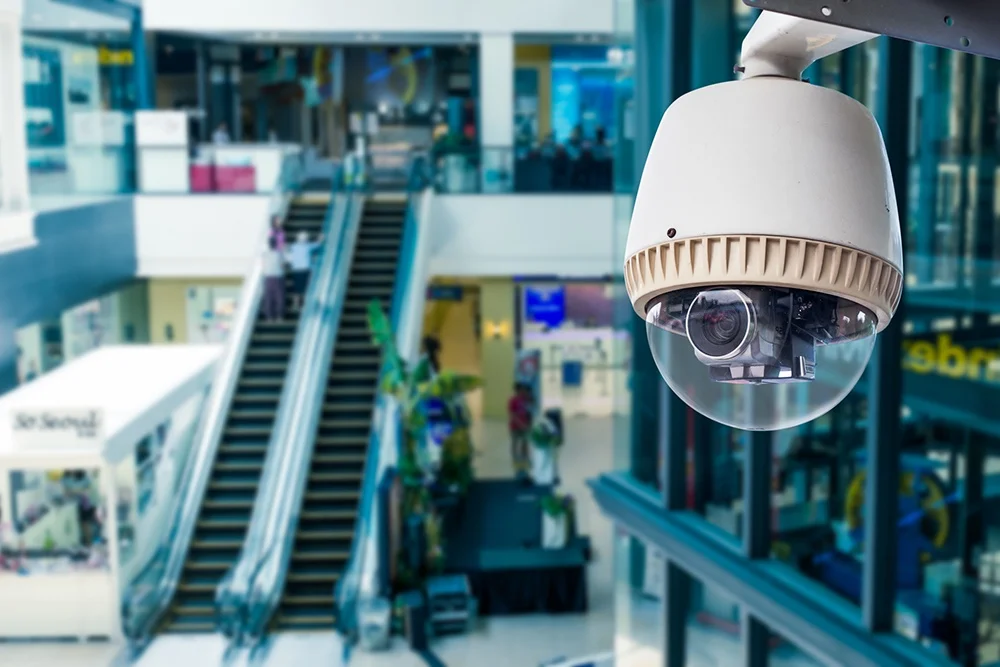
A compact shop or office usually settles around 4 to 8 cameras: one or two at the door, one over the register or reception, one or two on the floor or work area, and one watching the back door or stockroom.
Restaurant or bar
Restaurants and bars tend to need 8 to 16, because the room breaks into more jobs: the entrance, the dining room, the bar, each register, the kitchen, storage, the delivery door, often a patio or lot. The register, the bar, and the back door are classic identification points, and those push the count north.

Warehouse or large facility
Warehouses and big multi-room sites routinely open at 16 and climb past 30. Receiving docks, long aisles, high-value storage, perimeter doors, the yard, the office — each wants coverage, and wide-open floors often take several cameras just to stitch the gaps closed.

More Cameras Means More Storage
Camera count doesn’t stop at the walls — it sizes the recorder. Every camera is one more stream the NVR writes around the clock, and 4K cameras write fat files. Decide how far back you need to look — 30 to 90 days is the usual range — and size storage for that across the whole system. Come up short and the oldest footage overwrites itself, which is reliably the week you’ll wish you still had. Cameras and storage aren’t two decisions; they’re one.
Common Camera Coverage Mistakes
Most coverage problems trace back to the same handful of slips:
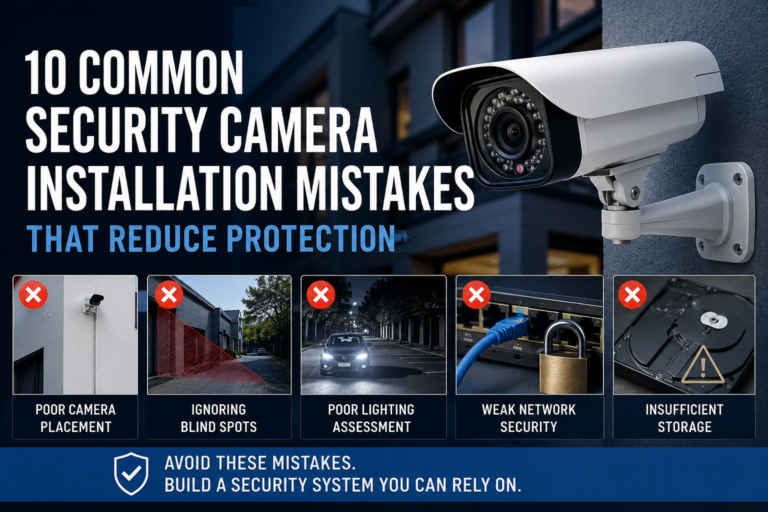
- Blind spots. Cameras hung without a sightline plan leave gaps right where incidents happen — corners, stairwells, and the floor directly under a ceiling camera are the usual suspects.
- Overwatching the quiet zones. Three cameras on the break room while the loading dock runs dark wastes both money and storage.
- Skimping on entries. Going cheap exactly where you most need to identify people is the costliest shortcut there is.
- Overview where you needed identification. One wide shot over the register proves something happened without ever showing who.
- Fighting the light. A camera staring into a bright doorway or a black parking lot at night technically “covers” it while recording nothing you can use.
Stacking on more cameras rarely fixes any of these. Matching each camera to its job and its sightline does.
Why a Professional Site Survey Gets It Right
Because the right number lives in the specifics — your layout, your risks, your light, your goals — the surest way to size a system is to have someone walk it.
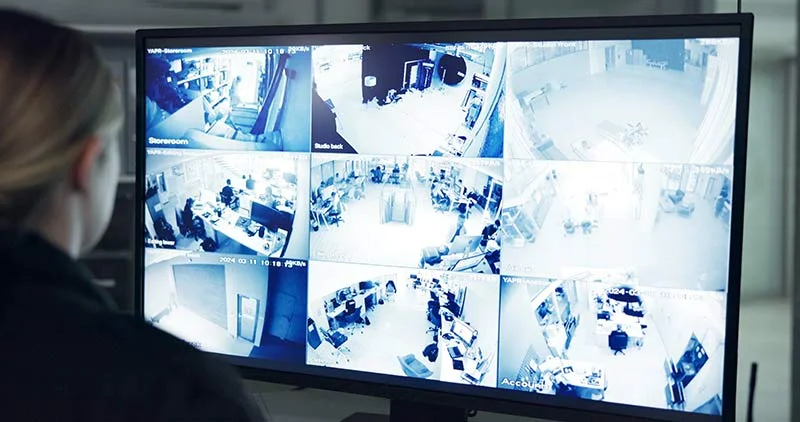
On a site survey, an experienced integrator traces every sightline, calls identify-versus-overview on each zone, pins the entrances and high-value spots that have to be covered, flags the lighting traps, and specs the camera type and lens for each location. What comes back covers what actually matters — usually with fewer cameras than guesswork would have bought, and without leaving a blind spot to chance.
Get the Right Number With 4Wires
In the end it was never about the count — it’s about coverage you can lean on. 4Wires Communications has designed and installed commercial and residential camera systems across the New York metro since 2005, working with professional lines like Axis, Hanwha, Bosch, Hikvision, and Dahua. We’ll walk your property, map exactly what needs watching, size the storage to fit, and spec a system built for your space and budget — not a box off a shelf.
Want to know how many cameras your business actually needs? Learn more about our security camera installation services, or reach out for a free on-site estimate.