
It’s tempting to start shopping for an access control system by comparing products — this reader, that cloud platform, these credentials. Start there and you’ll end up fitting your office to a product instead of the other way around. The better starting point is your building and your people: which doors matter, who needs to go where, and what has to happen when something goes wrong. Get those answers first and the right system becomes obvious. Here’s how to work through it, from the perspective of a New York integrator who designs office access daily.
Map Your Doors, Zones, and User Count
Before anything else, walk the space and list every door you’d want to control, then sort them into zones. A typical office breaks down into a few tiers: the main entrance everyone uses, interior zones like a server or IT room and an HR or records area that only some staff should reach, and shared spaces such as supply rooms or after-hours entrances. Count your users and think in roles, not just headcount — full-time staff, part-timers, cleaners, contractors, and visitors each need a different level of access.
To make it concrete: a 40-person office on a single floor might control the suite entrance, the server closet, and a records room — three doors, but three different access rules. In a multi-tenant Manhattan building, you’ll also coordinate with base-building security and elevator access, which shapes what you control versus what the landlord does. This map is the spec; everything downstream flows from it.
Choose Your Credential Type
How people unlock doors is one of the biggest day-to-day decisions. The main options each have a trade-off:
- Key fobs and cards: familiar and cheap, but they get lost, shared, and cloned, and you’ll spend time issuing and revoking them.
- PIN codes: no hardware needed, but they get passed around and rarely changed.
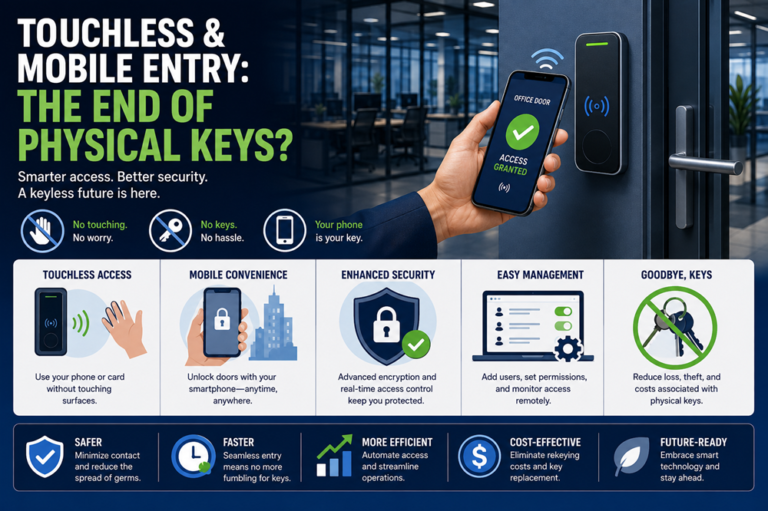
- Mobile credentials: increasingly the default for offices — nothing to hand out or collect, access granted and revoked instantly from software, and most people never lose their phone.
- Biometrics (fingerprint, face): the tightest link between a credential and a person for high-security doors, at a higher cost.
Many offices mix them: mobile or cards for the everyday entrance, a tighter method on the server room. The right answer depends on how much credential churn you expect and how sensitive each zone is.
Cloud vs. On-Premises for Offices
Access platforms run either in the cloud or on a server in your building, and for most modern offices the cloud is the easier fit. Cloud systems let you manage doors, add or cut off users, and pull reports from anywhere — useful when you’re off-site or running multiple locations — and updates happen automatically, usually for a subscription.
On-premises systems keep everything in-house with no recurring software fee, which still appeals where data has to stay on site or internet reliability is a concern. The decision usually comes down to whether remote management and multi-site control matter more to you than avoiding a subscription.
Must-Have Features (Scheduling, Audit Trail, Lockdown)
A few capabilities separate real access control from a glorified electric lock:
- Scheduling: doors unlock and lock on their own — open for business hours, secured after — and access ties to time, so a contractor’s credential only works weekday afternoons.
- Audit trail: logs who opened which door and when — the feature you’ll be grateful for after an incident or a dispute.
- Lockdown: secure every door at once from a button, fob, or app — a genuine safety tool during an emergency.
If a platform can’t do these three things well, keep looking.
Integrations (Cameras, Alarm, Visitor Management)
Access control is most useful when it doesn’t stand alone:
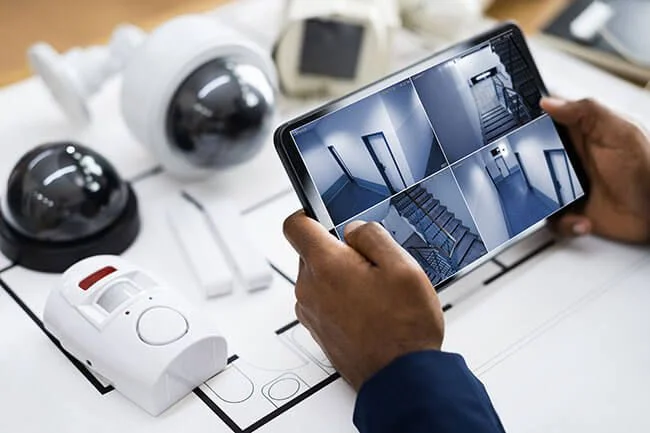
- Cameras: tied to your security cameras, every door event can be matched to video, so a flagged entry comes with footage attached.
- Alarm: linked to your alarm system, arming and disarming can follow who’s actually in the building.
- Visitor management: issue a temporary mobile pass instead of propping a door or handing over a master fob — guests controlled without friction.
When you choose a platform, check what it integrates with before you commit; retrofitting integration later is harder than building it in.
Scalability and Budget
Buy for the office you’ll have, not just the one you’re in. A system that’s painful to expand becomes a problem the moment you add a floor, a location, or a headcount jump.
Look for a platform that lets you add doors and users without replacing controllers, and weigh the full cost — hardware, installation, credentials, and any subscription — rather than the door count alone. Spending a bit more on a platform that grows with you usually beats a cheaper system you outgrow in two years.
Reader and Lock Hardware: What Actually Goes on the Door
The platform sets the rules; the hardware on each door decides how it feels day to day:
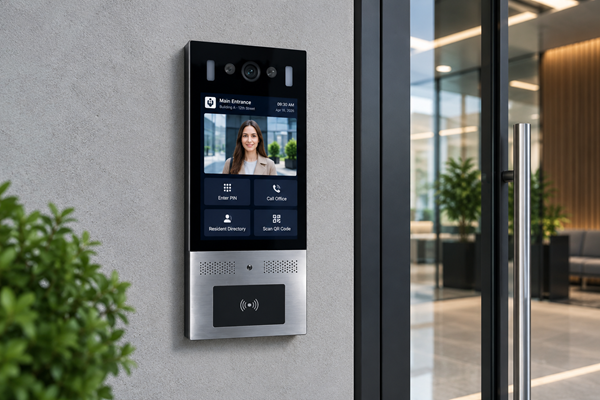
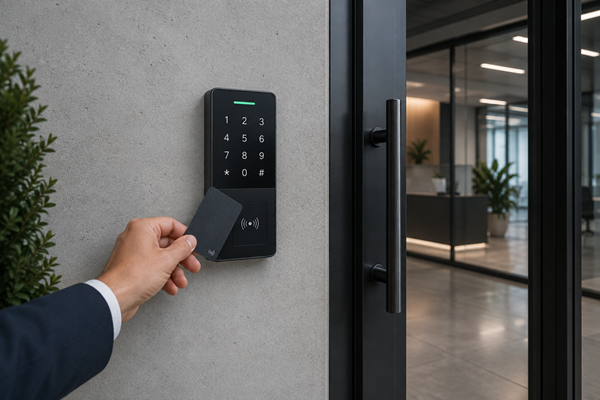
- Readers: proximity and smart-card readers for fobs and cards, Bluetooth or NFC readers for mobile credentials, keypads for PINs, and biometric readers where you need the tightest verification.
- Locks: electric strikes release the strike plate so the door can be pushed open; magnetic locks hold the door shut with an electromagnet and release when power drops.
- Egress and sensors: each controlled door needs a way to exit freely from inside (a request-to-exit sensor or button), and usually a door-position sensor so the system knows whether the door is open, closed, or propped.
Matching this hardware to each door’s traffic and security level is part of a design that works in practice, not just on paper.
Don’t Overlook Egress and Accessibility
Two rules shape every access control design, and skipping them causes real problems. Fire and building codes require that people can always get out: controlled doors on an exit path generally must allow free egress and release automatically if the fire alarm trips or power is lost, so a locked door never traps anyone inside.
Accessibility matters too — reader height, the force needed to open a door, and entry timing should work for everyone, which often means pairing access control with automatic door operators at key entrances. These aren’t optional extras; they’re requirements a professional integrator builds in from the start. This is general guidance rather than legal advice, and your specific building may carry particular code obligations worth confirming.
How 4Wires Designs Office Access
The right system starts with your doors, your roles, and your what-ifs — not a product brochure. 4Wires Communications designs and installs office access control across the New York metro, working with platforms like Keri, and we begin by mapping your zones and users, then match the credentials, hosting, and integrations to how your office actually runs. We build in scheduling, audit trails, and lockdown from the start, and we plan for the floor or location you’ll add next.
Planning access control for your office? Learn more about our access control installation services, or reach out for a free on-site assessment.