
For years the office door worked one way: you carried a key or a plastic card, and you pressed it to a reader. Touchless entry quietly rewrote that. The push for hygienic, hands-free buildings around 2020 sped its arrival, but it stuck around for a simpler reason — unlocking a door with the phone already in your pocket is just better than fishing for a fob.
For a New York business weighing an upgrade, the real question isn’t whether touchless works; it’s what the different flavors of it actually mean, where they shine, and what to watch for. Here’s the breakdown, from an integrator who installs these systems across the city.
What Counts as Touchless Entry
“Touchless” covers a few different methods, and they’re not interchangeable:
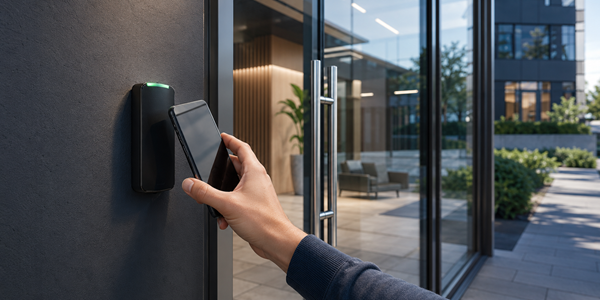
- Wave-to-unlock: a reader senses a hand or a phone gesture from a few inches away and releases the door, so no one has to press anything — useful at high-traffic doors and in clean environments.
- Mobile credentials: the credential lives on a smartphone, and the door unlocks on a tap, a wave, or even automatically as you approach — the most common form of touchless entry in offices today.
- Facial and biometric recognition: a reader identifies an enrolled person by face, granting entry with nothing to carry at all, typically reserved for higher-security doors.
Most businesses land on mobile credentials as the everyday method, sometimes with a tighter option like facial recognition on a sensitive door. The right mix depends on traffic and how secure each opening needs to be.
How Mobile Credentials Work (Bluetooth and NFC)
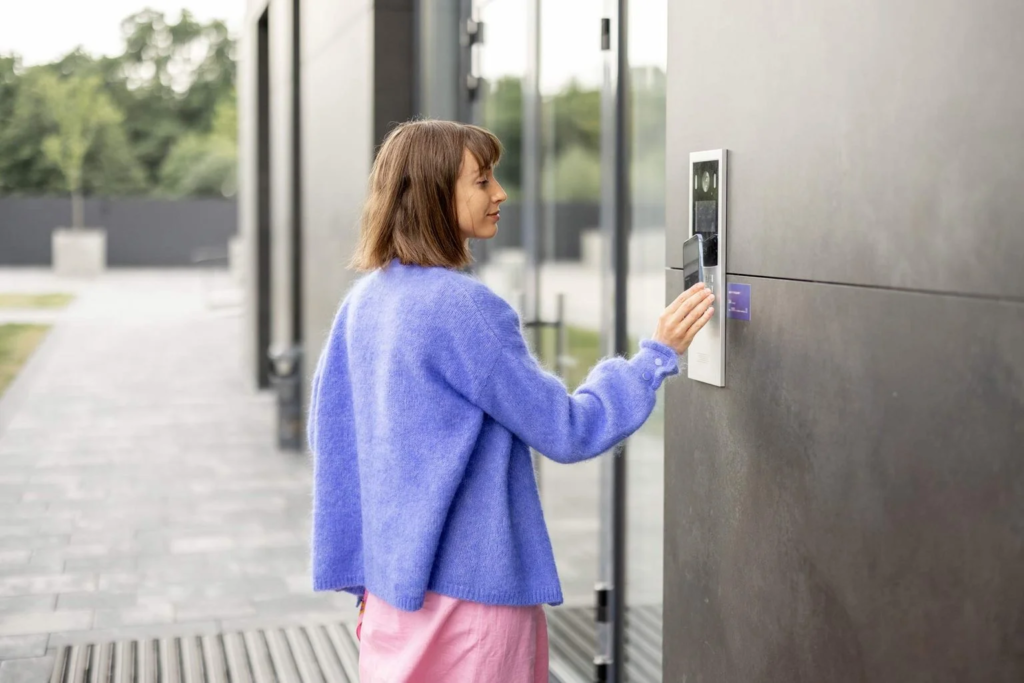
A mobile credential is a secure digital key stored in an app or in the phone’s wallet, and it talks to the reader over one of two short-range radios. Bluetooth Low Energy reaches farther — roughly 15 to 30 feet — which is what lets a door recognize you as you walk up, or unlock from your pocket without taking the phone out.
NFC works only at very close range, within a few centimeters, so you tap the phone to the reader much like a contactless payment. Many systems use both: NFC for a deliberate tap, Bluetooth for at-a-distance convenience. Either way, the credential is encrypted and tied to that specific phone, which is harder to clone or pass around than a printed card.
The Benefits Go Beyond Hygiene
Hands-free was the headline in 2020, but the lasting advantages are practical:
- Convenience: people rarely forget the phone they already carry everywhere, so there’s nothing extra to issue, remember, or fumble at the door.
- Security: mobile credentials are encrypted and device-bound, and a phone is locked behind a PIN or biometric — far tougher to copy or share than a $2 fob.
- Instant administration: you grant a new hire access before their first day and revoke a departed employee’s the moment they leave, all from software, with no card to print or collect.
- Lower handling cost over time: no stock of blank cards, no reprinting lost ones, no bin of fobs to manage as people come and go.
For a business with regular turnover, that software-driven control is where touchless quietly pays for itself.
Limitations and Considerations
Touchless entry is the forward-looking default, but a sensible design accounts for its edges:
- Phone dependence: a dead battery or a forgotten phone is the new “I left my badge at home,” so most buildings keep a backup credential — a card or PIN — for exactly those days.
- Enrollment and offboarding: someone has to issue credentials to phones and remove them promptly, which is easy in software but still a process worth owning.
- Reader compatibility: older readers may not support mobile, so a retrofit sometimes means swapping the readers even when the rest of the system stays.
- Connectivity: the door hardware should keep working during an internet outage, holding its permissions locally and syncing back when the connection returns — worth confirming in any platform you choose.
None of these is a dealbreaker; they’re just the details a professional design plans for rather than discovers later.
Migrating From Keys and Cards to Mobile
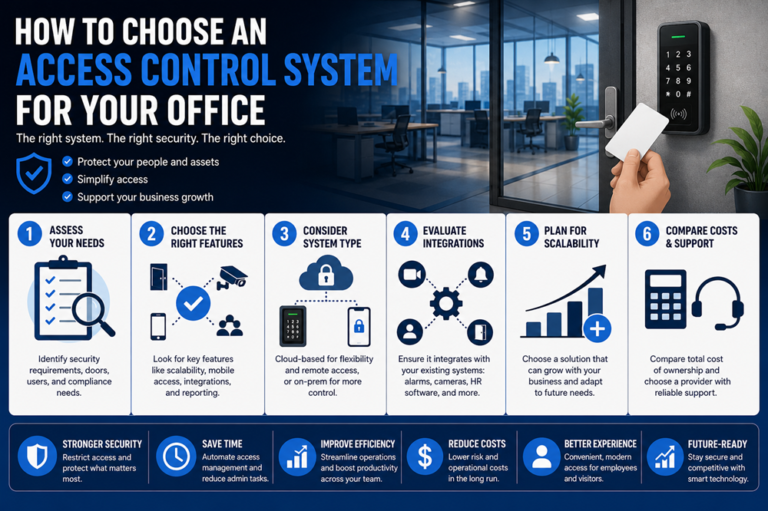
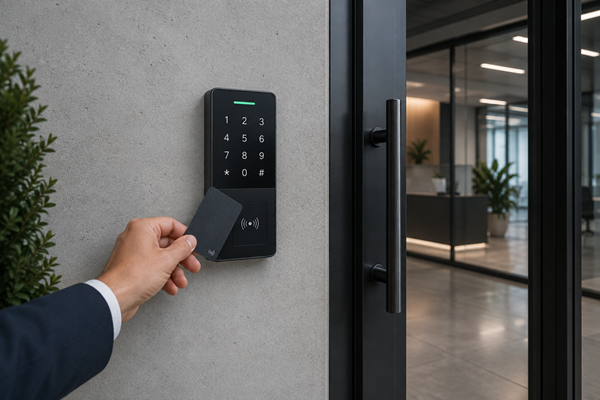
You don’t have to flip the whole building at once. A common path is to add mobile support to your main entrances first, run it alongside existing cards for a transition period, and let people move to their phones as they’re ready.
If your current readers already support mobile credentials, the change can be largely a software and enrollment effort; if they don’t, the readers get swapped while the controllers, wiring, and door hardware stay in place. Either way, mapping which doors and users move first — and keeping a backup credential in the mix — makes the switch painless. An integrator who knows your existing system can tell you quickly which of these two paths you’re on.
How 4Wires Implements Touchless Entry
Going keyless is less about the gadget and more about fitting it to how your building runs — which doors, which people, and what backup makes sense. 4Wires Communications designs and installs touchless and mobile access across the New York metro, working with access platforms like Keri, and we match the method to each opening: mobile for the everyday entrances, a tighter option where you need it, and a sensible fallback credential throughout.
Thinking about retiring keys and cards? Learn more about our access control installation services, or reach out for a free on-site assessment.