
In an access control system, the credential is the front line — it’s what an employee actually uses to get through the door, and it’s where convenience and security meet (or collide). The three common choices are keycards, key fobs, and mobile credentials, and the right one shapes daily life for your staff and the workload for whoever manages access. Here’s how they compare on the things that matter — convenience, security, and management — from a New York integrator who sets these up across the city.
Keycards – How They Work, Pros and Cons
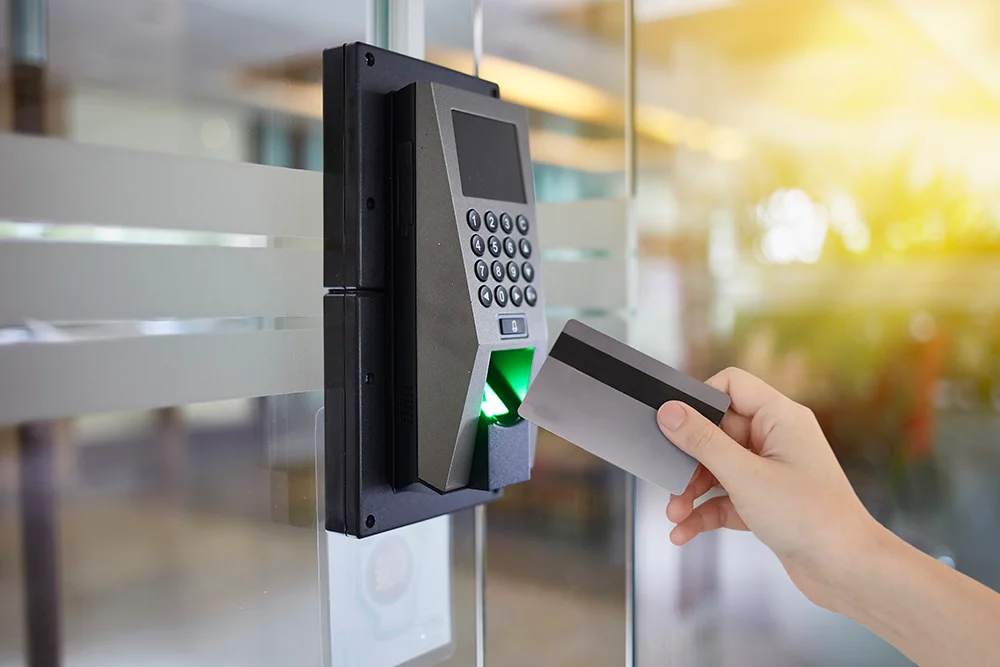
Keycards are the familiar plastic cards you tap or swipe at a reader, usually using RFID to communicate with the door. Their strengths are familiarity and low cost: people know how to use them, they’re cheap to issue, and they’re easy to print and brand.
The downsides are practical — cards get lost, lent out, and left at home, and older, low-security card types can be copied with inexpensive equipment. Modern encrypted smart cards are far more secure than legacy proximity cards, so the type of card matters as much as the format. For many businesses, cards remain a reasonable, budget-friendly choice, especially with a secure card standard.
Pros
- Familiar — staff already know how to tap or swipe.
- Low cost to issue, and easy to print and brand.
- Work with most standard readers.
Cons
- Lost, lent out, or left at home.
- Legacy proximity cards can be cloned with cheap tools.
- Manual to issue, track, and revoke.

Key Fobs – Pros and Cons
Fobs use the same RFID technology as cards but in a small, durable form that clips to a keychain. That ruggedness is their main advantage — a fob shrugs off the wear that bends and cracks a card, and it’s always on someone’s keys rather than floating loose in a wallet. Beyond the form factor, fobs share the cards’ profile: convenient, inexpensive, and as secure as the underlying technology they use. They carry the same caveats, too — they can be lost or handed off, and older low-security types can be cloned. The choice between a card and a fob is often just which one suits how your people carry things.
Pros
- Durable — shrugs off the wear that cracks a card.
- Always on the keychain, not loose in a wallet.
- Inexpensive, like cards.
Cons
- Still lost or handed off.
- Legacy low-security types can be cloned.
- Same manual issuing and collecting as cards.
Mobile / Smartphone Credentials – Pros and Cons
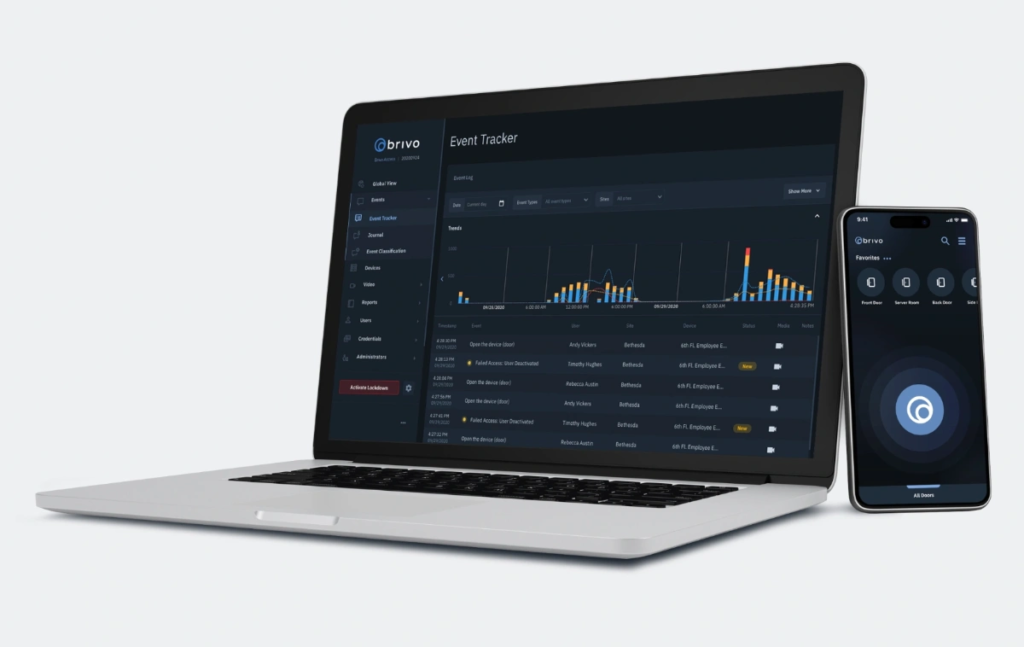
Mobile credentials turn the smartphone almost everyone already carries into the key, using an app and Bluetooth or NFC to unlock the door. The advantages are significant: there’s nothing to print, hand out, or collect — you issue and revoke access entirely in software, instantly.
People rarely lose or forget their phones, and they don’t share them the way they’ll lend a fob. The credentials are encrypted and generally much harder to clone than a basic card. The trade-offs are that it depends on staff having a capable phone with the app, and on the reader hardware supporting mobile — but for most modern businesses, the convenience and security make mobile the increasingly default choice.
Pros
- Nothing to print, hand out, or collect — issue and revoke in software, instantly.
- Rarely lost or shared, since people keep their phones close.
- Encrypted and much harder to clone than a basic card.
Cons
- Depends on staff having a capable phone with the app.
- Requires reader hardware that supports mobile credentials.
Security Comparison
| Factor | Keycards | Key fobs | Mobile credentials |
|---|---|---|---|
| Convenience | Familiar, can be forgotten | Durable, on the keychain | Always carried, no hand-out |
| Cloning risk | Higher on legacy cards | Higher on legacy fobs | Lowest (encrypted) |
| If lost | Deactivate & reissue | Deactivate & reissue | Revoke instantly in software |
| Revocation | Collect or deactivate | Collect or deactivate | Instant, remote |
| Cost & management | Low cost, manual handling | Low cost, manual handling | Software-managed |
| Best for | Budget, visitors | Rugged daily use | Most modern offices |
The security story comes down to cloning and revocation. Legacy cards and fobs using older proximity technology can be copied with cheap tools, while encrypted smart cards and mobile credentials are far harder to duplicate. Revocation is where mobile pulls clearly ahead — when someone leaves or loses a credential, you cut their access in software in seconds, versus chasing down a physical card or fob and hoping it wasn’t copied first.
Cost and Management Overhead
Up front, cards and fobs are the cheapest to buy, which is part of their appeal. But the real cost shows up in management.
Every physical credential has to be issued, tracked, collected when someone leaves, and replaced when lost — a steady administrative drip that grows with headcount and turnover. Mobile credentials shift that work into software: issuing and revoking are a few clicks with nothing physical to handle. For a business with regular staff changes, the lower management overhead of mobile often outweighs the low sticker price of cards. Weigh the ongoing handling, not just the per-credential cost.
Can You Mix Credential Types?
Yes – and many businesses do. A system can support more than one credential type at once, which lets you fit the method to the situation: mobile credentials for everyday staff, cards or fobs for visitors and contractors or anyone without a suitable phone, and a tighter method on your most sensitive doors.
Mixing gives you flexibility without forcing everyone onto a single approach. The key is a platform that handles multiple credential types cleanly, so you’re managing one system rather than several.
How 4Wires Sets Up Credentials
The right credential depends on how your business runs — your size, your turnover, and how much security each door needs. 4Wires Communications designs access control across the New York metro and matches the credential to the job: mobile where its convenience and instant revocation pay off, secure cards or fobs where they fit, and a platform that handles a mix cleanly when you need one. We set up the readers, credentials, and management so access is easy for your people and simple for whoever runs it.
Choosing credentials for your access system? Learn more about our access control installation services, or reach out for a free on-site assessment.